Study Planner: 23 Best Picks for Classes & Assignments
Between classes, assignments, and everything else on your plate, a good study planner isn’t a luxury — it’s the difference between staying on top of things and scrambling the night before something’s due.
Whether you want a full digital system, a simple printable, or something built specifically for assignment tracking, we’ve rounded up 15 of the best student planners available right now.
Quick navigation
Table of Contents
Quick Picks
- 🏆 Best Overall: Study Planner Canva Templates | BRIGHT
- 📄 Best Printable: Student Planner Printable
- 📱 Best Digital/iPad: Student Digital Academic Planner iPad
- 📝 Best for Assignment Tracking: Student Planner & Assignment Tracker
- ✨ Want Your Own Unique Planner? See AI Studio
How to Choose the Right Student Planner
Not every student planner works the same way, and the right one depends on how you actually study.
- Want everything in one place? A full guided planner covers classes, assignments, and grades together.
- Prefer paper? A printable format is easy to fill out by hand between classes.
- Always on your tablet? A digital planner built for iPad or GoodNotes keeps everything in one app.
- Mainly worried about deadlines? An assignment tracker focuses specifically on due dates, not your whole schedule.
- In a specialty program? Nursing and other clinical programs have their own planner formats built around rotations and clinicals.
General Study Planners
These cover the full picture — classes, assignments, and everyday organization in one system.
1. 2026 – 2027 Study Planner
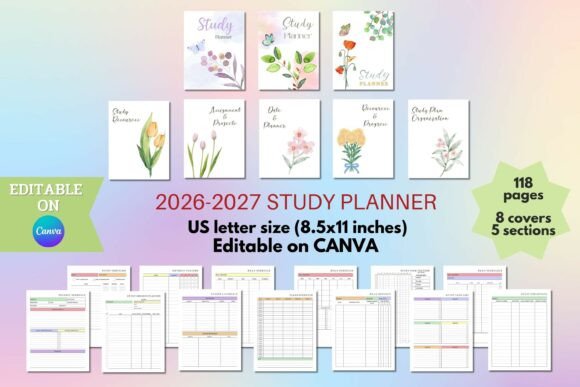
Similar to the pick above but framed specifically as a study planner rather than a general student planner — worth comparing both if you’re deciding between the two angles.
Like the planner above, it’s built around a two-year span — useful if you’d rather set this up once and not think about switching planners again next fall.
2. 2024 Student Planner Canva Template
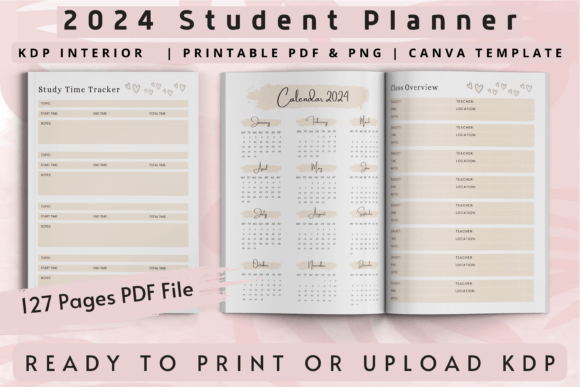
This is the most well-rounded pick on the list, and the rating backs it up. It’s fully editable in Canva, so the year in the name doesn’t matter — you can update dates, colors, and layout before you ever print it.
It covers the essentials — class schedules, assignment space, and general organization — without feeling cluttered or overdesigned.
3. Student Planner Printable
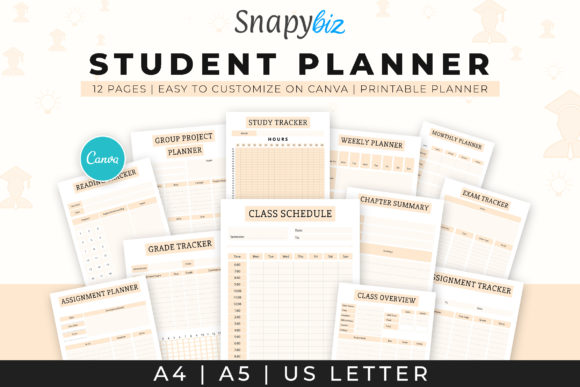
The strongest printable option on this list, and one of the few that isn’t built in Canva — just print and fill in by hand. It’s been around a while, and the rating and favorites reflect that staying power.
A solid pick if you find yourself avoiding digital tools during the school year and just want something you can carry in a binder.
4. College Planner | Printable
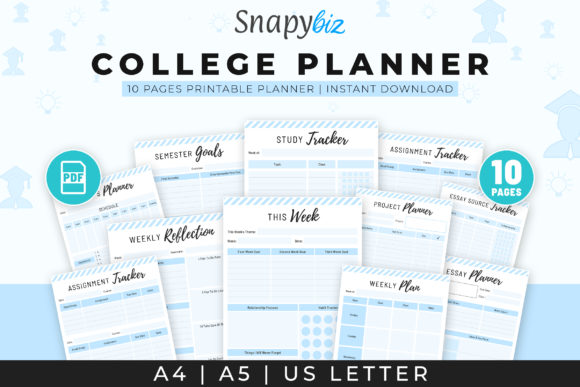
Framed specifically around college life rather than general schoolwork — built with the reality of juggling multiple classes, a less structured schedule, and campus life in mind.
A solid printable alternative if you’re past the more rigid, teacher-assigned structure of earlier school planners.
5. 2026-2027 Student Planner
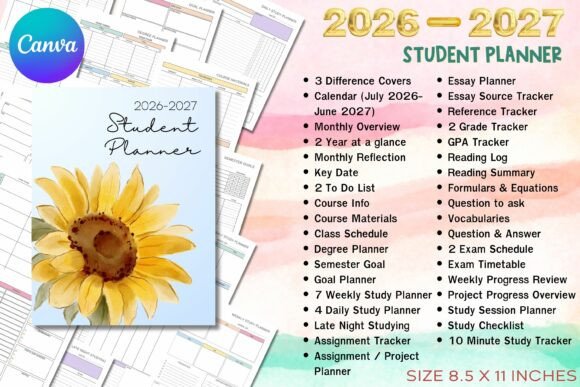
One of the newest additions here, built around the current academic year rather than adapted from an older template.
Because it’s built around a fresh two-year span rather than just one academic year, it’s a solid pick if you’re starting a program now and want a planner that won’t feel outdated partway through.
6. Student Planner – Canva Template
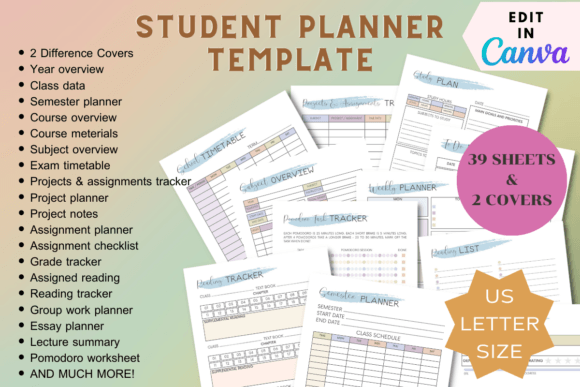
A clean, straightforward Canva-based planner with a slightly different layout style than the top pick — worth a look if the first option’s design just isn’t quite your aesthetic.
If the top pick’s design doesn’t quite match your style, this one offers a similar structure with a different visual approach — same core features, just a different look and feel.
7. Digital Student Planner Canva Templates
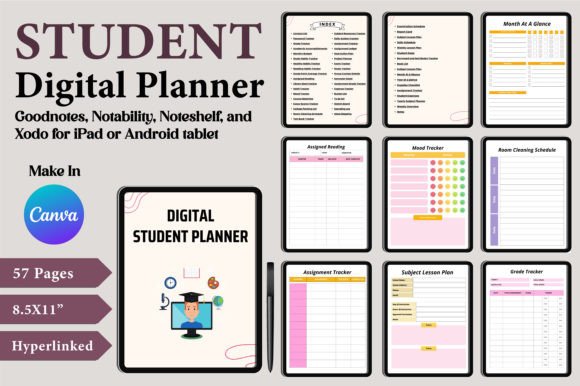
Built for digital use from the ground up rather than adapted from a print layout — designed to be filled in on a tablet or through Canva itself, not printed out.
Because it’s built digital-first rather than adapted from a printable, the layout tends to feel more natural on a screen — less like a scanned paper form and more like an actual app interface.
8. Editable Student Planner for Canva KDP
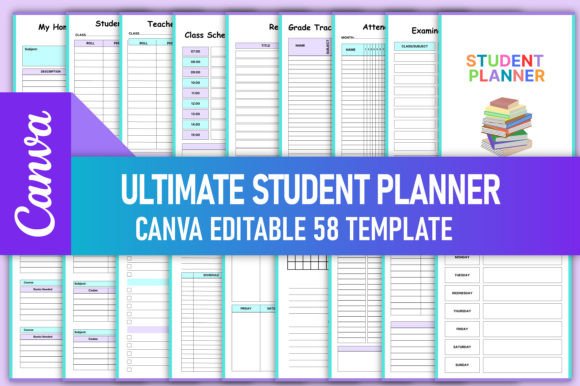
A KDP-style layout with full Canva editability layered on top — useful if you like the structure of a published planner but still want to tweak colors and wording before printing.
The KDP-style structure means it follows a proven, tested layout, while the Canva editability means you’re not stuck with someone else’s color scheme or wording if it doesn’t match your taste.
9. 2026 Student Planner KDP Interior
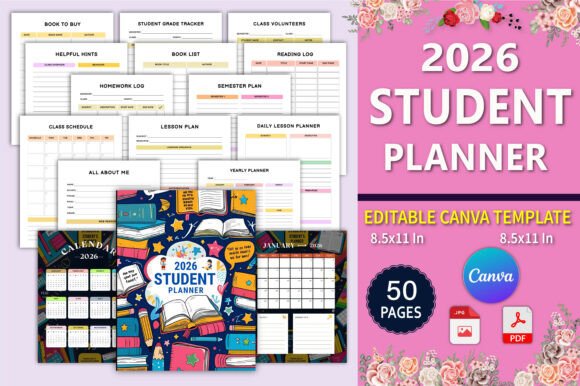
One of the newer additions to this list, built specifically around the current school year rather than adapted from an older template. A good option if you want something that feels current rather than recycled.
It follows the same reliable KDP layout style as many of the classic options on this list, just built around the current academic year instead of an older one.
10. Study Planner Canva Templates | BRIGHT
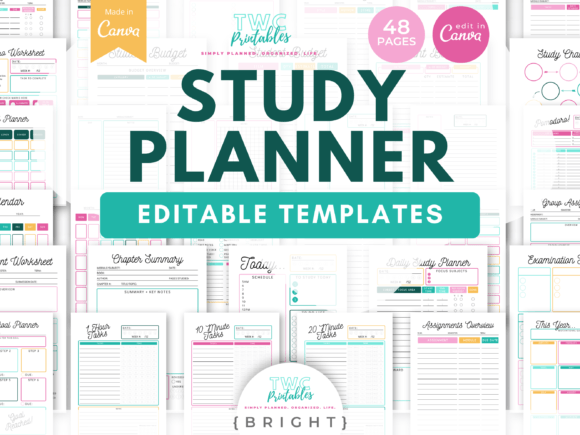
A bold, high-contrast Canva template that stands out from the softer pastel options on this list — a good pick if you want something energetic rather than muted.
Fully editable, so the bright color scheme is a starting point, not a requirement.
11. Study Planner • Coffee Latte
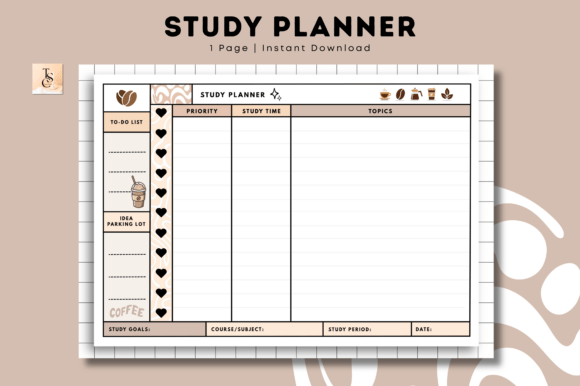
A cozy, warm-toned aesthetic option — if the clinical, high-contrast planners on this list don’t match your vibe, this one leans into a softer, café-inspired color palette instead.
The name isn’t just aesthetic — the whole layout leans into a relaxed, unhurried feel, which can genuinely make a dense study schedule feel a little less overwhelming to look at.
Always on your tablet during class? The next pick is built specifically for that instead of being adapted from a print layout.
Digital & iPad Formats
Not every digital planner is actually built for your device — some are just PDFs you happen to view on a screen. This one’s designed specifically for iPad and app-based use, with navigation that makes sense on a tablet, not just on paper.
12. Student Digital Academic Planner iPad
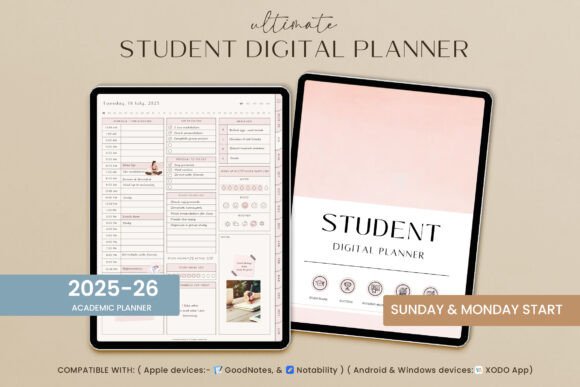
Built specifically for iPad use — think hyperlinked navigation and a layout designed for apps like GoodNotes, not a PDF that just happens to be viewable on a tablet.
A strong pick if your entire academic life already lives on one device and you want your planner to fit into that same workflow.
13. Digital Planner for Students 2026
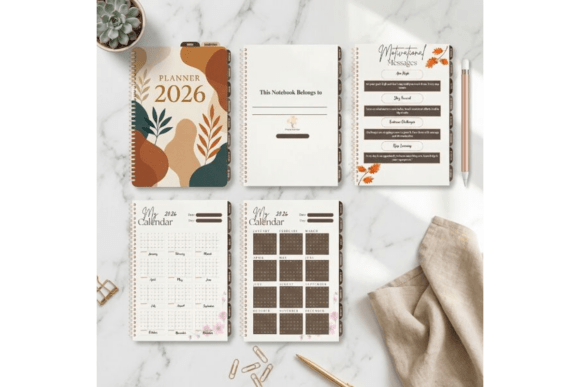
Built digital-first for the current academic year, joining the iPad-focused pick above as a second option for anyone who wants a fully digital system rather than print.
Being digital-first means the layout was designed for tapping and typing from the start, rather than adapted from a print template — worth trying if the iPad pick above didn’t quite fit your workflow.
If your biggest struggle is just remembering what’s actually due and when, these next few skip the full planner format and focus on exactly that.
Assignment & Homework Tracking
Sometimes you don’t need a full planner — you just need something that keeps deadlines from slipping through the cracks.
14. Student Planner & Assignment Tracker
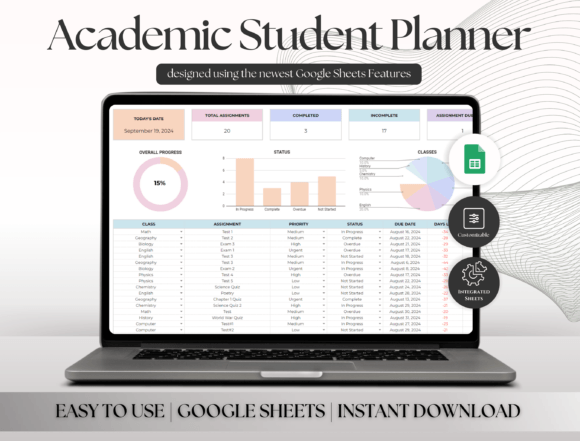
This one bridges the gap between a full planner and a pure tracker — it includes a habit tracker, study planner, course tracker, and book tracker alongside the core assignment log, all in one spreadsheet.
Best for students who want assignment tracking as part of a bigger system rather than a standalone tool.
15. Assignment Tracker Spreadsheet Template
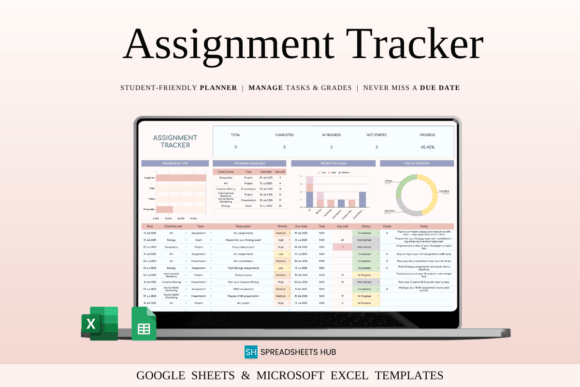
A pure spreadsheet approach, built for Google Sheets and Excel rather than Canva or a printable PDF — useful if you’re already comfortable working in spreadsheets for everything else.
It works in both Google Sheets and Excel, so you’re not locked into one platform — useful if you switch between devices or share files with classmates.
16. Assignment Planner – KDP Interior
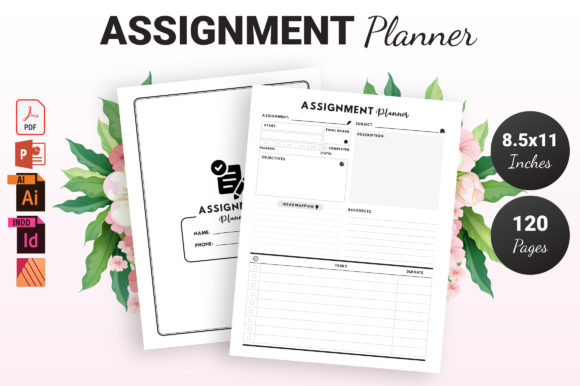
One of the longest-standing assignment planners on this list, with a simple, no-frills layout focused purely on logging what’s due and when.
It’s stuck around for a reason — the layout hasn’t needed much updating because the core idea (just track what’s due, clearly) doesn’t really go out of style.
17. Assignment Planner Canva Template
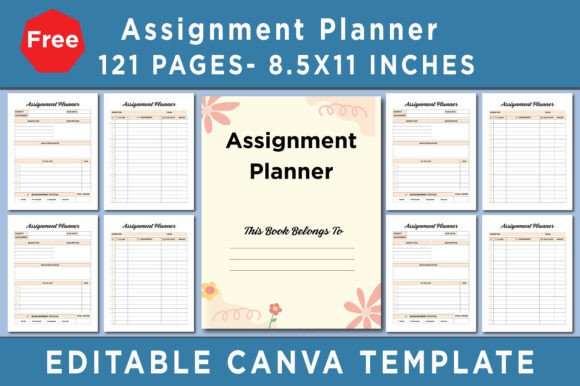
Same core idea as the KDP version above, but fully editable in Canva if you want to adjust the layout or color scheme before printing.
If you like the simplicity of the KDP version above but want to adjust fonts or colors, this gives you that flexibility without changing the core layout.
18. Assignment Tracker Notion Template
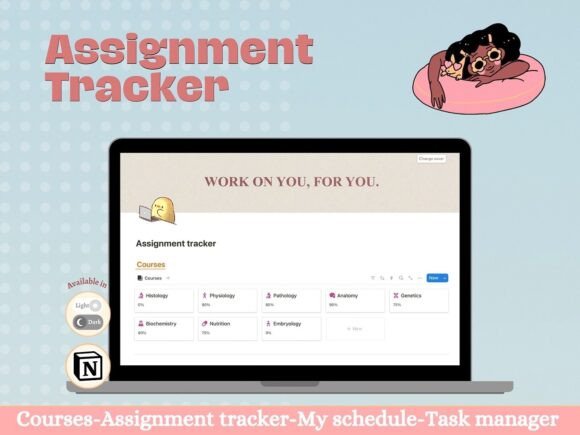
Built for Notion rather than a printable or Canva file — the right pick if you already run your school life through Notion and want assignment tracking to live in the same place.
Notion’s database features mean you can also sort, filter, or tag assignments by class or priority — something a static PDF or printable can’t really do.
19. Editable Canva Homework Planner
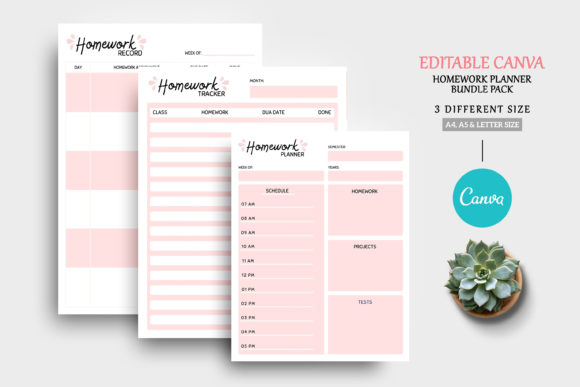
Framed specifically around homework rather than broader coursework or exams — a good fit for younger students or anyone who wants a simpler, narrower focus than a full assignment tracker.
It’s a good match for anyone who wants something less intense than a full assignment tracker — just the essentials, without extra tracking fields you won’t use.
20. FREE Editable Weekly Study Tracker Canva
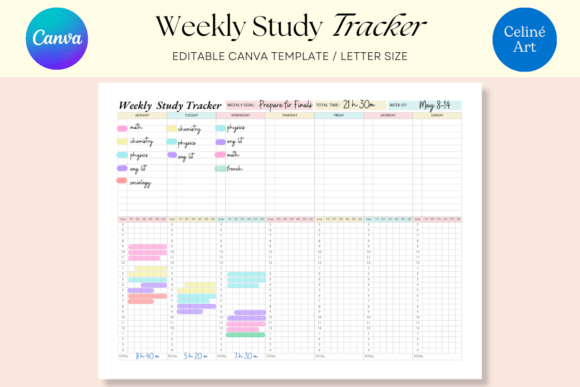
A free entry point if you want to try a Canva-based system before committing to a paid planner — narrower in scope than a full planner, focused specifically on weekly study tracking.
A good low-risk way to test whether the Canva format works for you at all.
In a nursing or clinical program? Regular student planners don’t usually account for rotations and clinical hours — these last two do.
For Nursing & Specialty Programs
Regular student planners don’t usually account for clinical rotations, shift-based schedules, or care plan tracking — which makes them a poor fit for nursing and other clinical programs. These two are built specifically around that kind of scheduling instead.
21. Canva Student Nurse Digital Planner
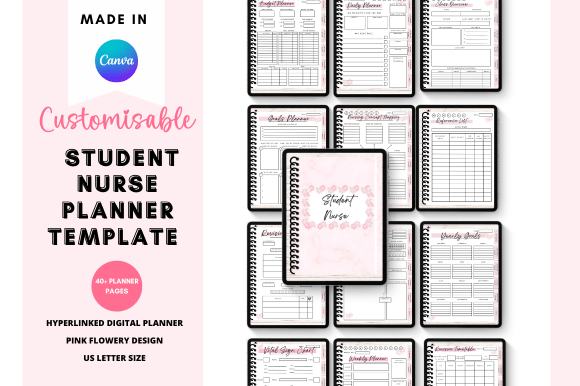
The most popular nursing-specific option here, built around clinical rotations, care plans, and the kind of scheduling a standard student planner just doesn’t account for.
Fully editable in Canva, so it can flex as your rotation schedule changes semester to semester.
22. Nursing School Planner Canva Templates
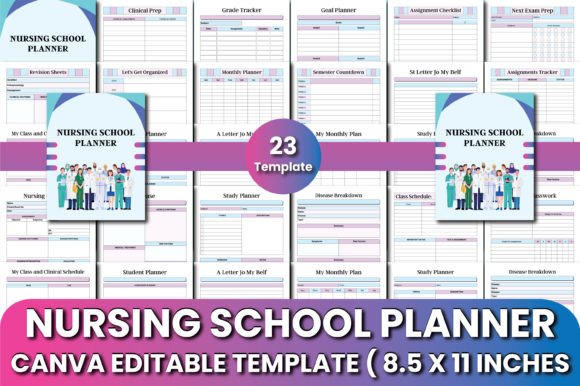
A second nursing-focused option with a different layout style — worth comparing against the pick above if the first one’s design doesn’t match what you’re looking for.
Like the pick above, it accounts for rotation-based scheduling, but with its own distinct layout — worth comparing both before deciding which fits your program’s structure better.
23. Medical Study Planner • Coffee Latte
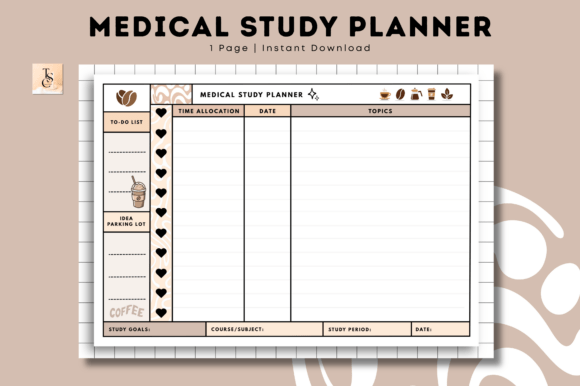
A specialty option for medical students specifically — alongside the nursing-focused planners below, this fills in another clinical-track niche that general student planners don’t account for.
It carries the same relaxed, café-inspired aesthetic as the general Coffee Latte planner above, but with layout adjustments built specifically around medical coursework — think clinical rotations and heavier study loads, not just general classes.
Create Your Own Student Planner with AI Studio

If none of these feel quite right, you can generate a custom student planner from scratch with an AI design tool — your own layout, your own subjects, your own style.
What Makes a Good Student Planner?
The best student planners share a few things in common: enough structure to actually be useful, but not so much that filling it in becomes its own chore. Room for classes, assignments, and deadlines — and ideally, a format that matches how you already work, whether that’s paper, an app, or a spreadsheet.
Comparison Table
| Type | Best For | Main Features | Format |
|---|---|---|---|
| General Planner | Students who want it all in one place | Classes, assignments, and general organization together | Canva, PDF, or KDP |
| Digital/iPad Planner | Students who live on a tablet | Hyperlinked navigation, app-friendly layout | GoodNotes/iPad |
| Assignment Tracker | Staying on top of deadlines specifically | Due dates, priorities, sometimes grades | Spreadsheet, Canva, or Notion |
| Specialty (Nursing) | Clinical or rotation-based programs | Rotation schedules, clinical hour tracking | Canva |
Understanding Different Types of Student Planners
- General planners cover your whole academic life in one system — good as a default choice.
- Digital/iPad planners are built for a specific device and app, not just a PDF you happen to open on a tablet.
- Assignment trackers are narrower by design — useful if a full planner feels like overkill.
- Specialty planners (like nursing) account for scheduling needs a general planner doesn’t, like clinical rotations.
FAQ
Do I need a printable or digital student planner?
It depends on how you already work. If you take notes on paper and like physically crossing things off, printable is usually the better fit. If your whole academic life already lives on a tablet or laptop, digital keeps everything in one place.
Will a Canva template still work if the year in the name is old?
Yes — Canva templates are fully editable, so you can update dates, text, and colors regardless of what year is in the product name.
What’s the difference between a student planner and an assignment tracker?
A student planner usually covers your whole schedule — classes, assignments, and general organization. An assignment tracker is narrower, focused specifically on deadlines and due dates.
Are nursing student planners really that different from regular ones?
Yes, in one key way — they account for clinical rotations and shift-based scheduling, which a standard weekly or monthly planner usually isn’t built for.
Final Thoughts
Whether you want a full guided system, a simple printable, or something built just for tracking assignments, there’s a format on this list that fits how you actually study. The best one isn’t the most popular — it’s the one you’ll actually keep using through the whole semester.