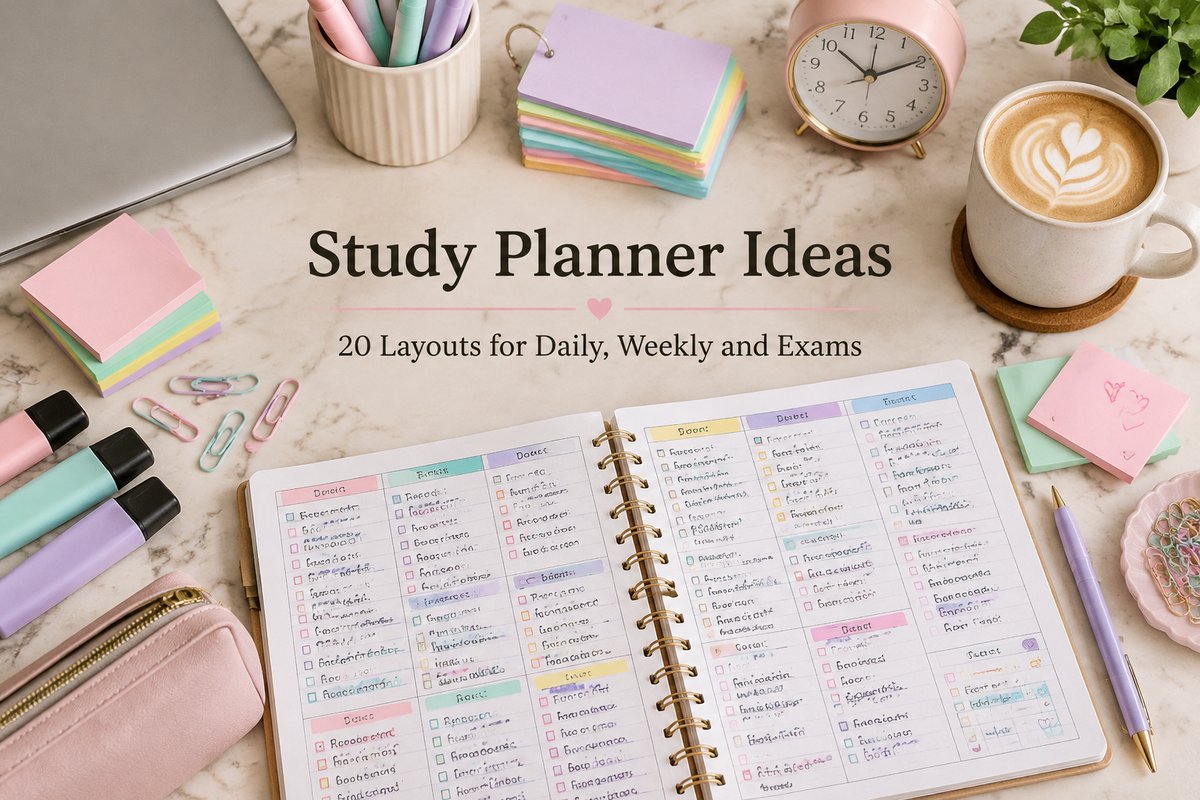
20 Study Planner Ideas to Stay on Top of Classes and Exams
A study planner is a planner made for school life: classes, assignments, exams, and the study sessions in between. Instead of keeping deadlines in your head, you see the whole week at a glance and know exactly what to study today.
This guide shares 20 study planner ideas for daily pages, weekly spreads, exam prep, and motivation, plus the pages every study planner needs and five steps to set one up. At the end you will find two ready templates if you would rather print than draw.
Quick navigation
Table of Contents
What to Include in a Study Planner
You do not need every page at once. Start with the first four and add the rest when you need them:
| Page | What It Does |
|---|---|
| Semester overview | Shows all exams, project deadlines, and holidays for the term |
| Class schedule | Lists your classes, rooms, and times for each day of the week |
| Assignment tracker | Keeps every task, due date, and status in one list |
| Weekly study plan | Splits your study time between subjects for the week |
| Exam countdown | Counts the days to each exam and lists the topics to revise |
| Grade tracker | Records your marks so you can see where to focus |
| Chapter summary | Holds the key points of a chapter on one page |
20 Study Planner Ideas
Mix and match these ideas in a notebook, a bullet journal, or a printable planner:
Daily Study Planner Ideas
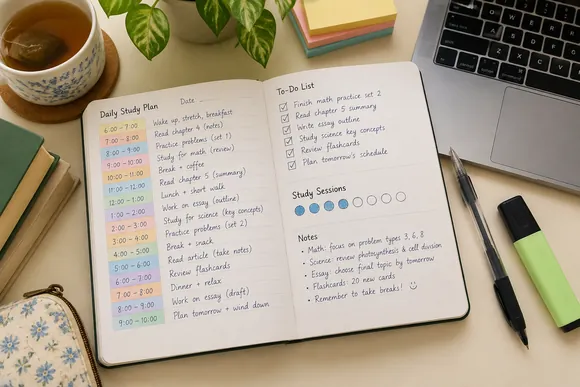
- Time-blocked day. Write each study session in its own time slot, from 9:00 to 9:45 and so on.
- Top three tasks. Choose three things you must finish today and write them at the top of the page.
- Pomodoro tracker. Draw a row of small tomatoes or circles and fill one in after each 25-minute session.
- Study log. Note what you studied, for how long, and one thing you learned.
- End-of-day check. Two lines at the bottom: what went well and what moves to tomorrow.
Weekly Study Planner Ideas
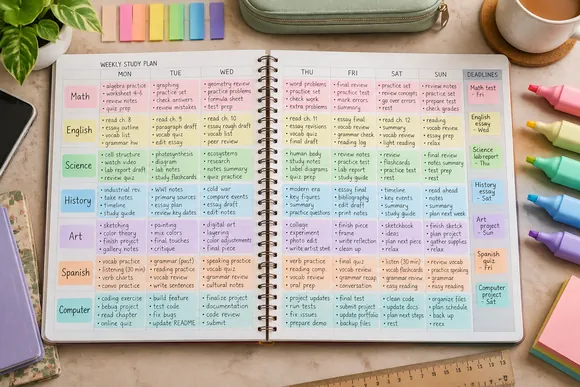
- Color-coded subjects. Give each subject one highlighter color and use it everywhere in the planner.
- Weekly overview grid. Days across the top and subjects down the side, with a box for each study session.
- Deadline column. A narrow column on the right that lists everything due this week.
- Study hours tracker. A small bar for each day that you color in as you study.
- Sunday planning box. A space to plan next week every Sunday evening in ten minutes.
Exam and Revision Ideas
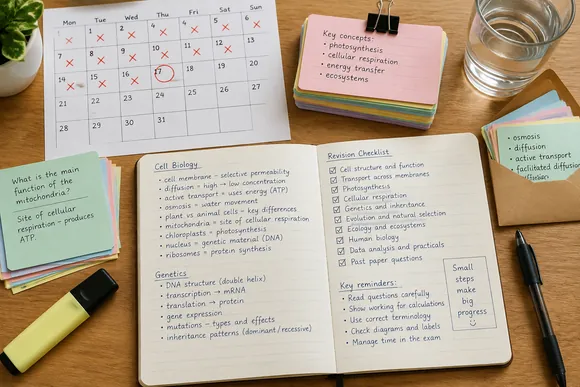
- Exam countdown calendar. Circle the exam date and cross off each day as you revise.
- Topic checklist. List every topic for the exam and tick it off once you can explain it without notes.
- Revision timetable. Spread topics across the weeks before an exam so nothing is left to the last night.
- Flashcard pocket. Glue an envelope inside the back cover to keep flashcards with the planner.
- Mistakes page. Write down questions you got wrong and review them before the test.
Study Journal and Motivation Ideas
- Goals for the term. One page with the grades or skills you want to reach this term.
- Reading list. Track books and articles for each class with a box to tick when you finish.
- Quote of the week. A short line that keeps you going, written at the top of each weekly spread.
- Reward tracker. A small treat after every five finished study sessions.
- Reflection page. At the end of the month, write what helped you study and what to change.
To give every study session its own slot, see our time blocking planners, grouped by format and focus.
How to Make a Study Planner in 5 Steps
- Collect all your dates. Go through your class schedule and course pages and write down every exam and deadline.
- Fill in the semester overview. Add those dates to one page so you can see the busy weeks ahead.
- Set up your weekly study plan. Choose how many hours each subject needs and give them fixed days.
- Plan each day the night before. Write tomorrow’s top three tasks and the time you will study.
- Review every Sunday. Move unfinished tasks forward, check upcoming deadlines, and plan the new week.
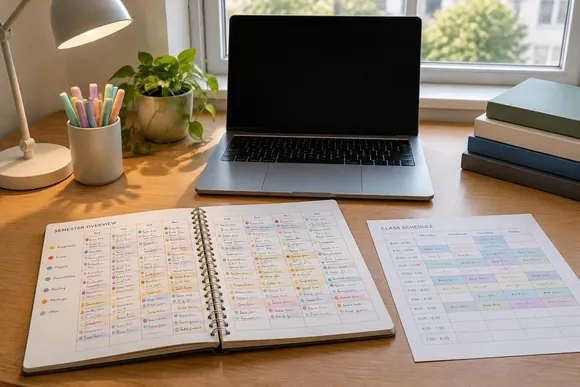
Keep the planner open on your desk while you study. It works best when you check it several times a day.
Study Planner Tips That Actually Help
- Plan less than you think you can do. A shorter list that you finish feels better than a long one that you never complete.
- Break big tasks into steps. “Write essay” becomes “find sources,” “write outline,” and “write first draft.”
- Write down breaks too. Short breaks keep your focus fresh for the next session.
- Keep everything in one place. One planner for all subjects is easier than five separate notebooks.
Two Study Planner Templates to Start With
If you would rather print ready pages than draw your own, these two study planner templates cover the pages above:
BEST ALL-IN-ONE KIT
Study Planner Canva Templates | BRIGHT
This study kit includes 48 Canva templates for exams, assignments, classes, and more. It comes in a bright design, but you can change fonts, colors, elements, shapes, and layouts.
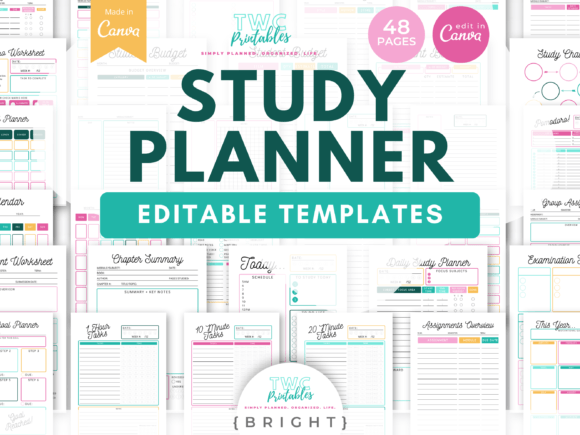
Templates: 48 | Size: A4 + US Letter | Edit in: Canva
Best for: students who want ready pages for every page in our table.
- Weekly study plan and daily study planner
- Exam prep sheet and examination timeline
- Revision worksheet and chapter summary
- Assignments overview and group assignment sheet
- Pomodoro worksheets and a study challenge
You also get a Help Guide PDF with easy steps for anyone new to Canva. All you need is a free Canva account. Choose it if you want a complete study kit in one set. Skip it if you prefer a simple planner with only a few pages.
BEST SIMPLE PRINTABLE
Student Planner Printable
This printable bundle includes 12 different printables for exam preparation and academic goals. The pages are set for your printer, and you can also edit them in Canva.
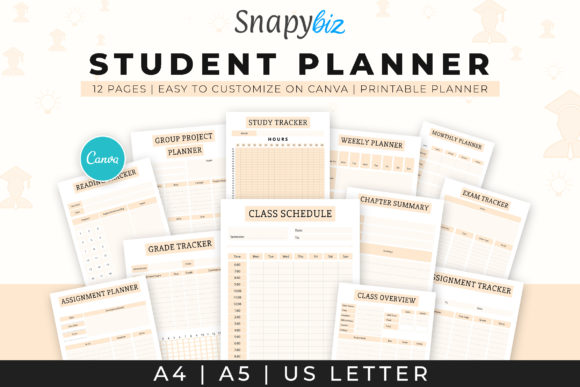
Printables: 12 | Size: A4, 8.3×11.7 in | Format: PDF, Canva
Best for: students who want to follow our five setup steps on paper.
- Student planner and weekly planner
- Monthly planner and class schedule
- Study tracker and exam tracker
- Group project planner
- Reading tracker and chapter summary
It is a straightforward printable pack for staying on top of your examinations. Choose it if you like to plan by hand. Skip it if you want to plan on a tablet.
Whether you want a full digital system, a simple printable, or something built specifically for assignment tracking, browse our full list of study planners.
FAQ
What should I put in a study planner?
Start with a semester overview, a class schedule, an assignment tracker, and a weekly study plan. Add exam countdowns, grade trackers, and chapter summaries when you need them.
Is a daily or weekly study planner better?
A weekly planner shows your deadlines and study time for all subjects at once. A daily page helps on busy days or during exams. Many students use a weekly spread with a short daily list.
How do I make a study planner in a notebook?
Draw a semester overview on the first pages, then a weekly grid with days and subjects for each week. Add a column for deadlines and a small box for your daily top three tasks.
How many hours should I plan to study each day?
It depends on your classes and goals. Start with a realistic amount, like one or two focused sessions, and add more once the routine feels steady.
Can I use a regular planner as a study planner?
Yes. Add a class schedule, an assignment list, and an exam calendar to any planner. A dedicated study planner simply has these pages ready.
Final Thoughts
A study planner turns a busy term into a clear plan. Write down every date, give each subject its time, and plan tomorrow before you close the book tonight. Start with a few simple pages and add more ideas as your routine grows.
This post contains affiliate links. If you buy through them, we may earn a small commission at no extra cost to you. Learn more.