How to Start a Savings Tracker: 5 Simple Steps to Make Your Progress Visible
Saving money is one of those habits where knowing what to do matters less than actually sticking with it. Most people already know they should be putting money aside — the part that trips people up is staying motivated once the initial excitement fades. Learning how to start a savings tracker is really about solving that second problem, not the first.
Quick navigation
Table of Contents
What Is a Savings Tracker (and How Is It Different From a Budget)?
Before getting into how to start a savings tracker, it helps to know what one actually is: a simple tool — printable, digital, or a spreadsheet — for logging progress toward a specific savings goal over time. It’s easy to confuse with a budget, but the two are actually answering different questions. As one financial guide puts it plainly: a budget asks where your money is going, while a tracker asks how close you are to a goal.
In practice, the two work best together. Your budget decides how much you can realistically put toward savings each month; the tracker is where that money actually turns into visible progress. Without a budget, a tracker has nothing feeding into it — and without a tracker, a budget’s savings line is just a number you don’t see moving.
Why a Visual Tracker Actually Helps You Save

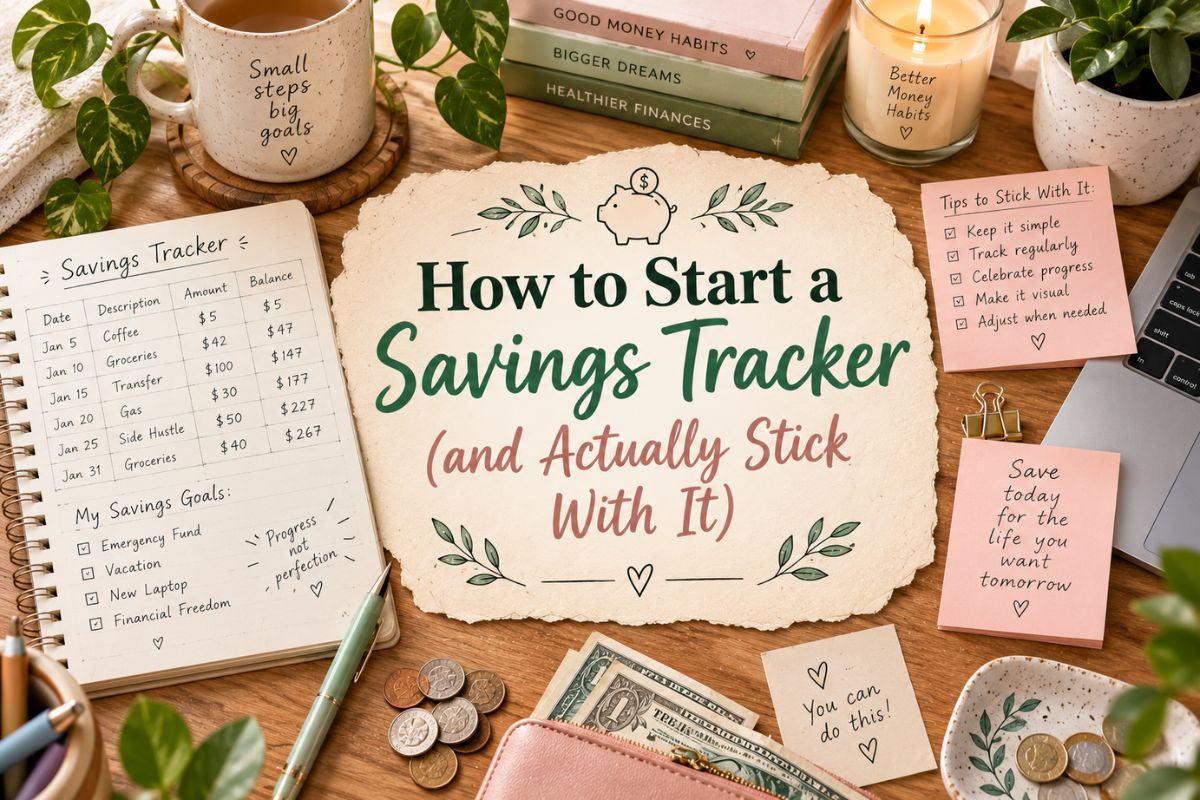
Saving is one of the few money habits where motivation matters almost as much as the math. A number sitting in a bank account app doesn’t feel like much on its own, but watching a jar fill up, a thermometer climb, or a row of boxes get colored in gives your progress a shape you can actually see — and people tend to stick with goals they can watch moving, while abandoning ones that stay abstract.
This isn’t a new idea, either. Long before printable trackers existed, people were doing this by hand in bullet journals — shading in a square on a hand-drawn grid every time they hit a savings milestone. The format has changed, but the psychology behind it hasn’t.
How to Start a Savings Tracker: Step by Step
- Name a specific goal, not a vague one. “Vacation fund, $1,200 by June” gives a tracker something concrete to work toward. “Save more money” doesn’t.
- Decide if a structured challenge will help, or get in the way. Formats like the 52-week challenge or a no-spend month add built-in structure, which some people find motivating and others find restrictive. Neither is wrong — pick based on what you know about yourself.
- Pick a format you’ll actually open again. A beautifully designed printable does nothing if it ends up buried in a drawer. If you’re already on your phone constantly, a digital tracker will get more use than a paper one, and vice versa.
- Update it on a set schedule. Weekly check-ins, even short ones, keep a goal feeling present. Waiting until the end of the month to update everything at once makes it easy to lose track entirely.
- Actually celebrate when you hit the goal. Marking a tracker “complete” and moving on to the next goal is part of what makes the habit stick — skipping that moment is a missed chance to reinforce the whole system.
Common Mistakes That Derail a Savings Habit
- Treating the tracker as a budget. A tracker shows progress toward a goal; it isn’t built to control monthly spending. Trying to make it do both usually means it does neither well.
- Setting a goal with no real deadline. An open-ended “someday” goal is much easier to quietly abandon than one with a specific date attached.
- Choosing a challenge format that doesn’t match your income. A rigid weekly amount can feel impossible during a tight month, which is often when people give up entirely rather than just adjusting the pace.
- Starting over instead of picking back up. Missing a week doesn’t mean the tracker has failed — it just means the next entry picks up wherever you actually are.
Ready to Start? Here’s Where to Begin
Once you know how to start a savings tracker and have a specific goal in mind, our roundup covers trackers for every format and approach — structured challenges, flexible custom-goal sheets, envelope systems, and more.
FAQ
Do I need a specific app, or can I just use paper?
Paper works fine, and for a lot of people it works better than an app, since there’s something to physically color in or check off. The best format is whichever one you’ll actually keep opening, not the most technically advanced option.
How often should I update my savings tracker?
Weekly works well for most people — frequent enough to keep the goal present, without turning it into a daily chore. Monthly can work too, as long as you’re disciplined about actually sitting down to do it.
Can I track more than one savings goal at once?
Yes, and a lot of people do — an emergency fund and a vacation fund, for example, tracked side by side. Just make sure each goal has its own clear target so they don’t blur into one vague pool of money.
What if I have to dip into my savings before I reach the goal?
That’s what the money is there for — a tracker isn’t a contract. Just adjust the tracker to reflect the new total and keep going rather than treating it as a failed attempt that needs to start over from zero.
Final Thoughts
If you’re wondering how to start a savings tracker, the honest answer is that it won’t do the saving for you — but it does the one thing that actually keeps most people going: making progress visible. Pick a specific goal, a format you’ll realistically keep using, and a check-in rhythm you can stick to, and the rest tends to take care of itself.
This post contains affiliate links. If you buy through them, we may earn a small commission at no extra cost to you. Learn more.